Little words.
Big family stories.
Learn through pictures, playful questions and little stars. Then turn your child’s ideas into an AI-assisted bilingual storybook you create together. WonderBear brings language learning, stories and discovery to your family’s TV—for ages 3 to 8.
A little picture.
A whole new word.
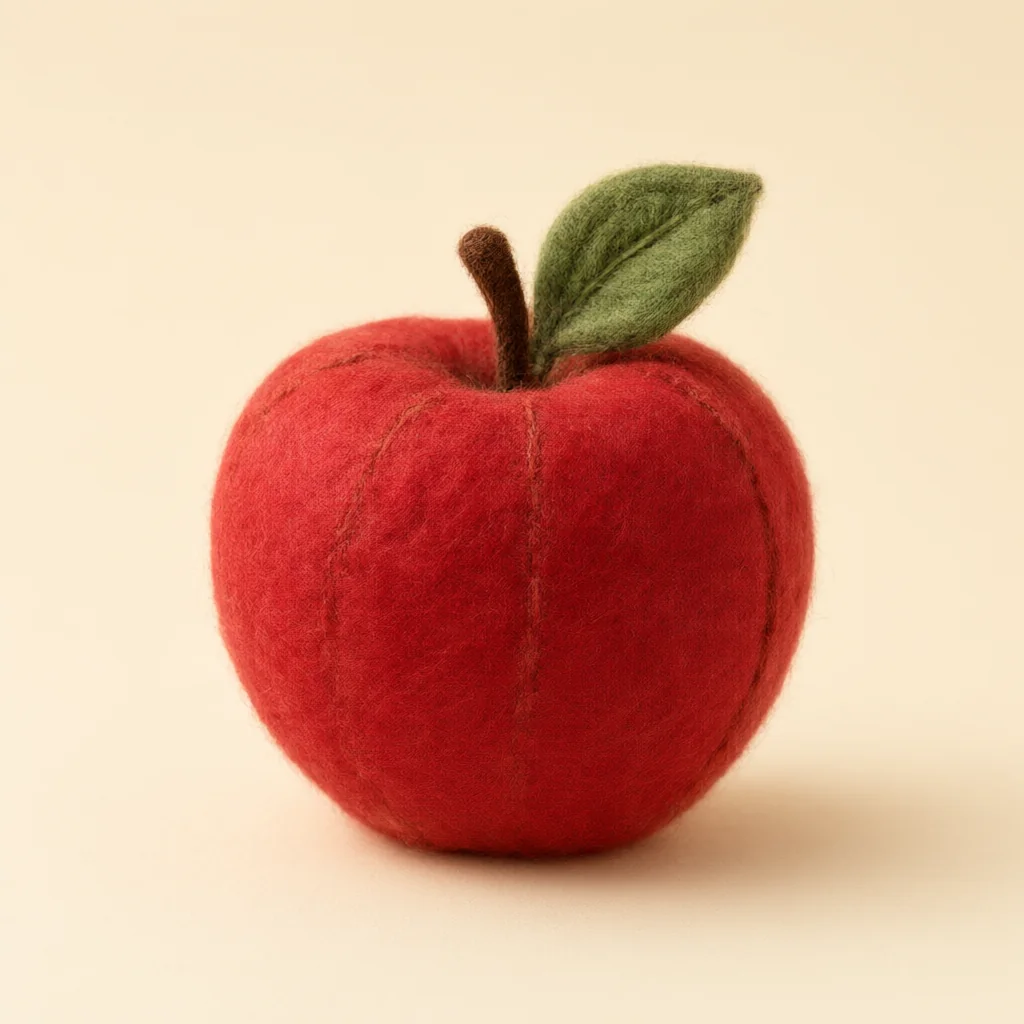
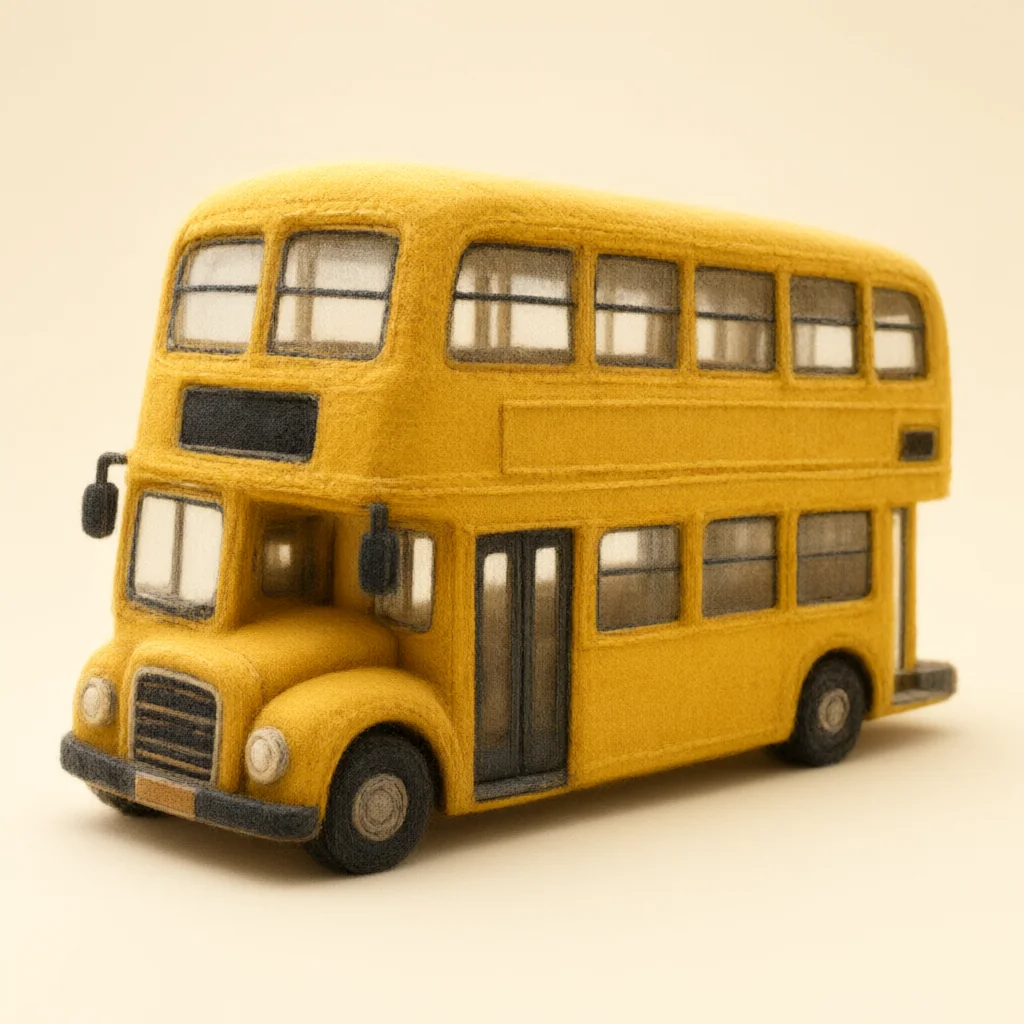
Animals, everyday objects and little discoveries: every word starts with a picture. In the app, children can listen to its pronunciation, hear a sentence and try saying it together.
17 learning languages · 17 topics · 3 levels · 42 English sounds
76 interface languages · Figures checked 4 October 2026.
Look. Listen. Say it together.
Look. Listen. Say it together.
Look. Listen. Say it together.

Look. Listen. Say it together.
Look. Listen. Say it together.
Look. Listen. Say it together.
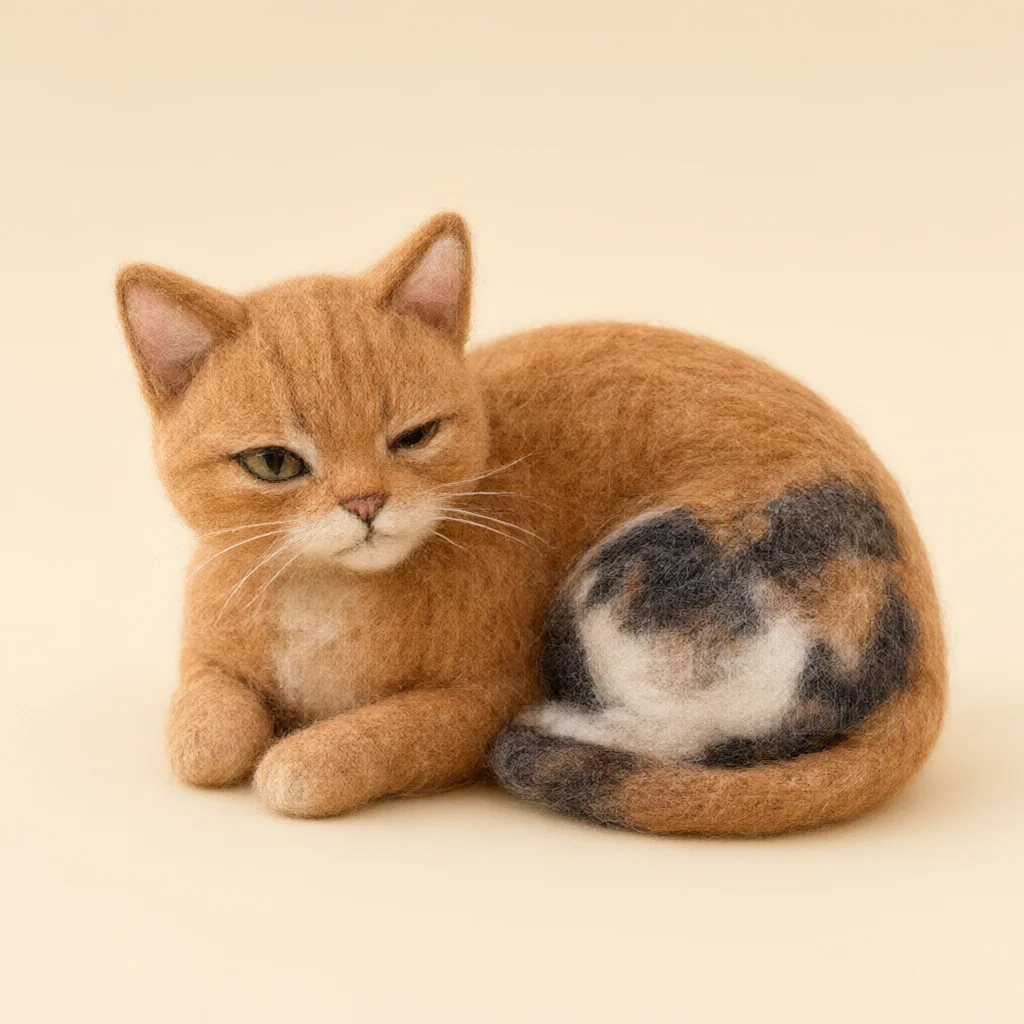
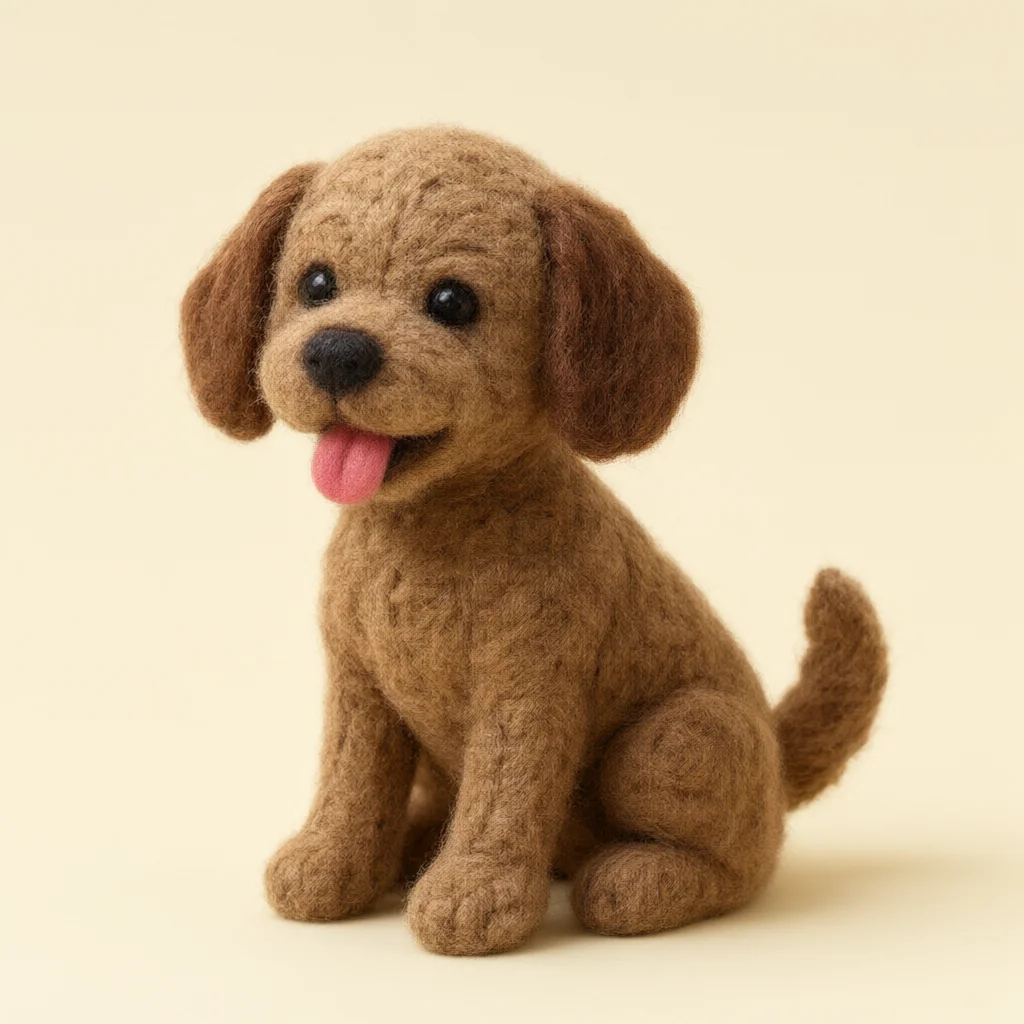
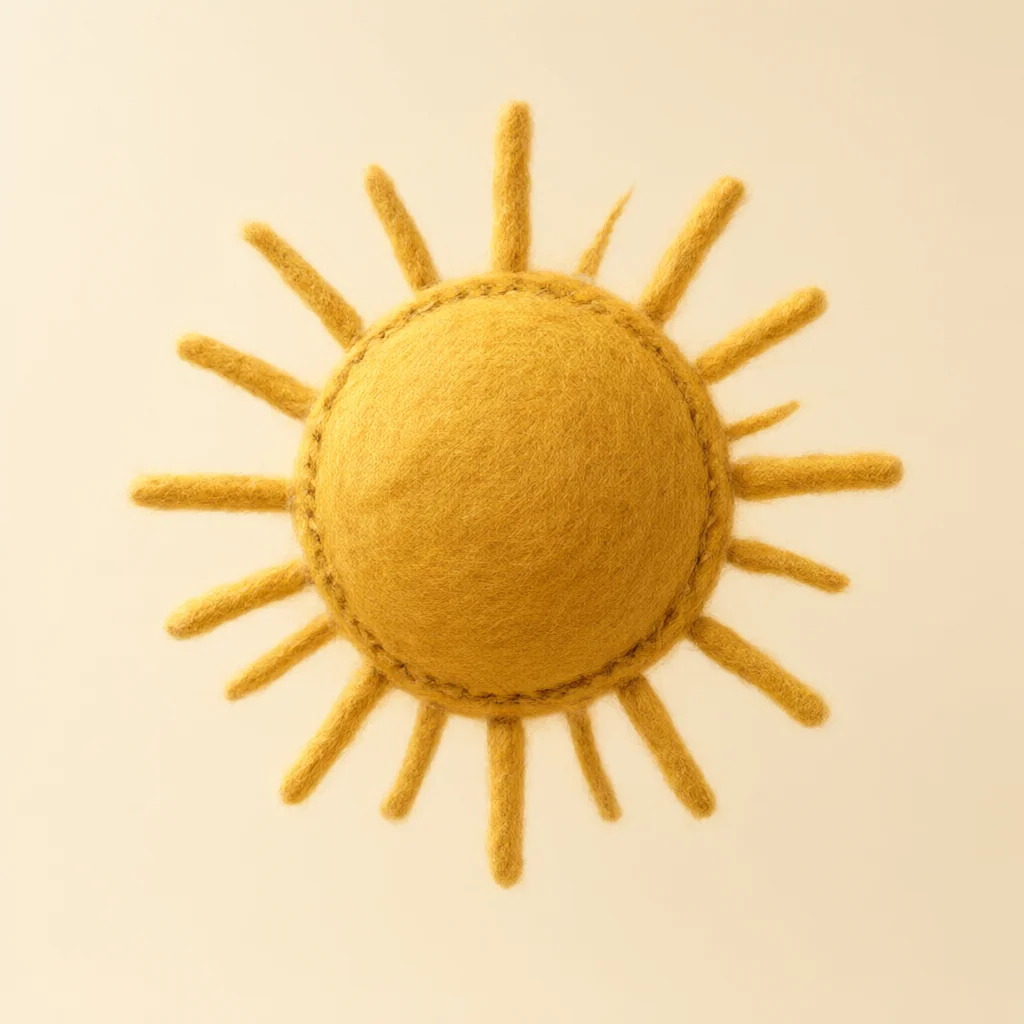
Original word illustrations from the product library, arranged as website preview cards. Use the thumbnails, arrows or swipe; play the slideshow to browse automatically.
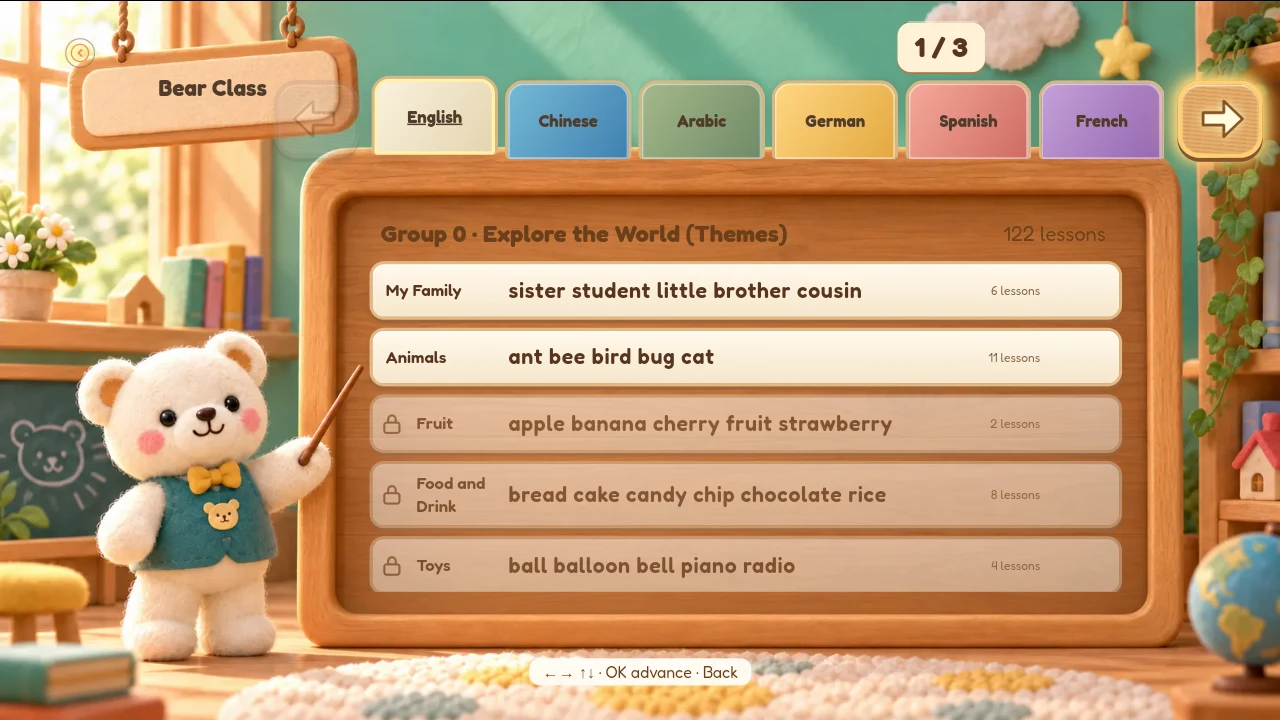
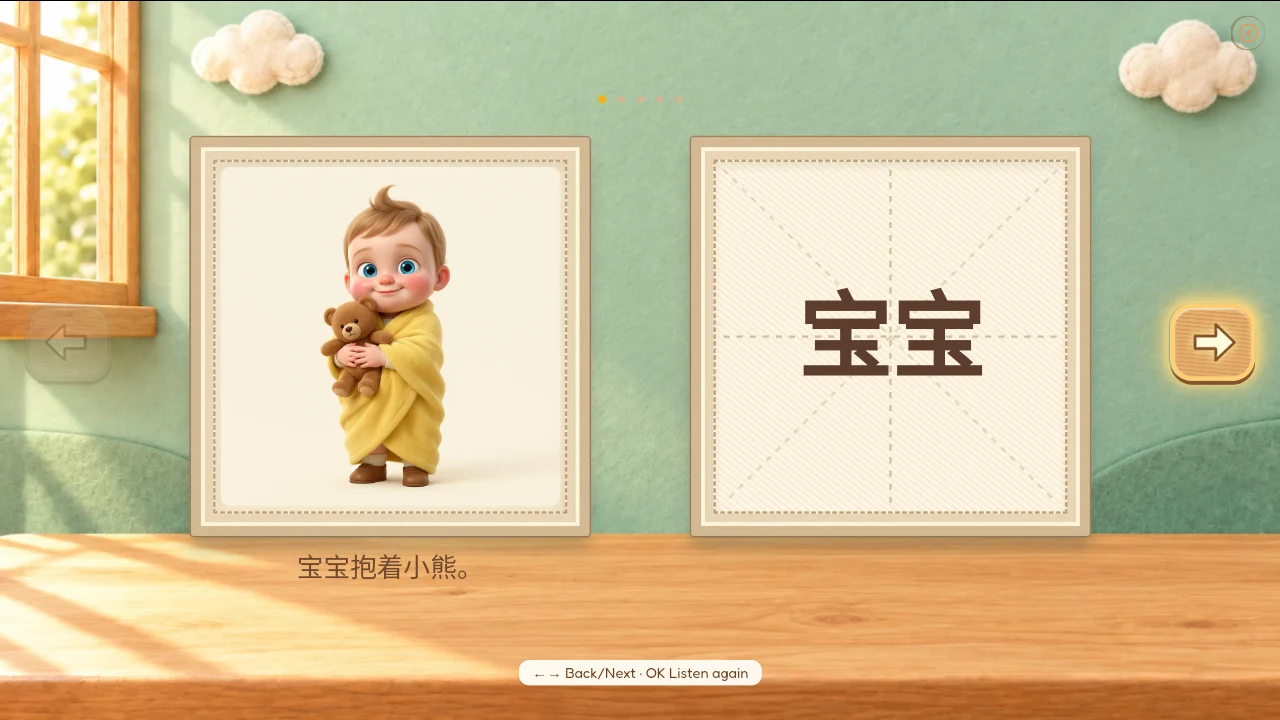
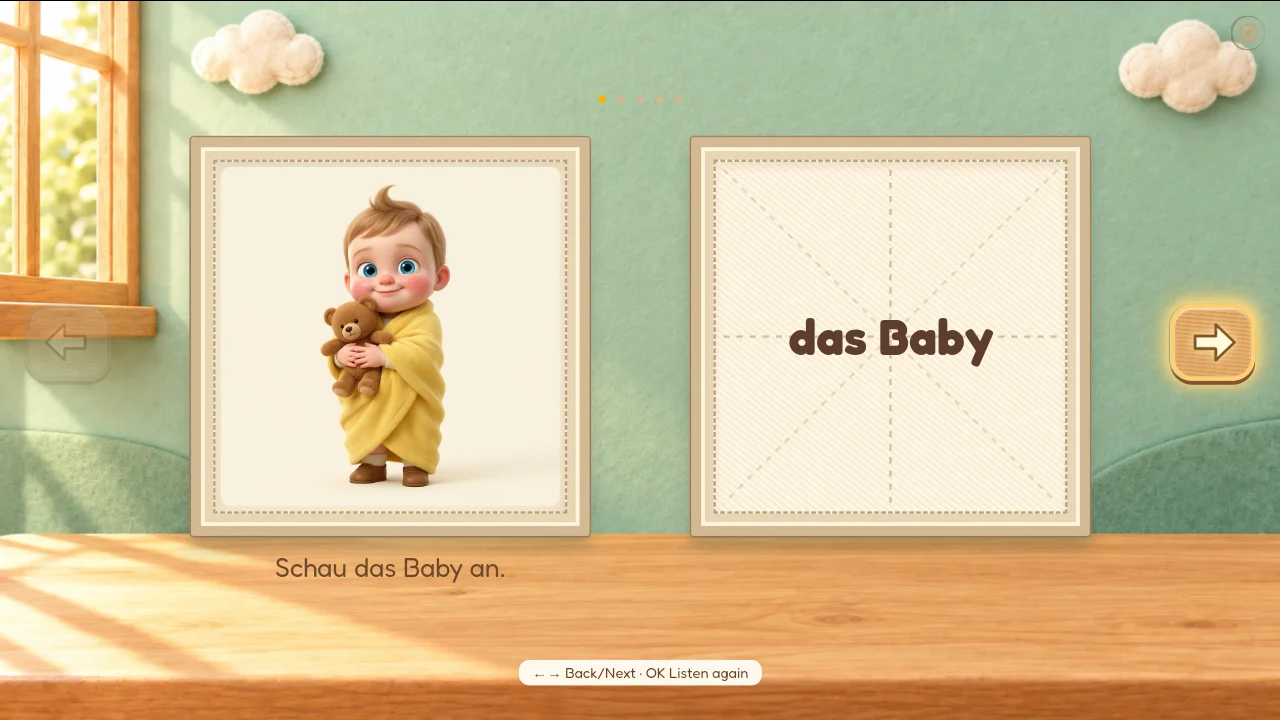
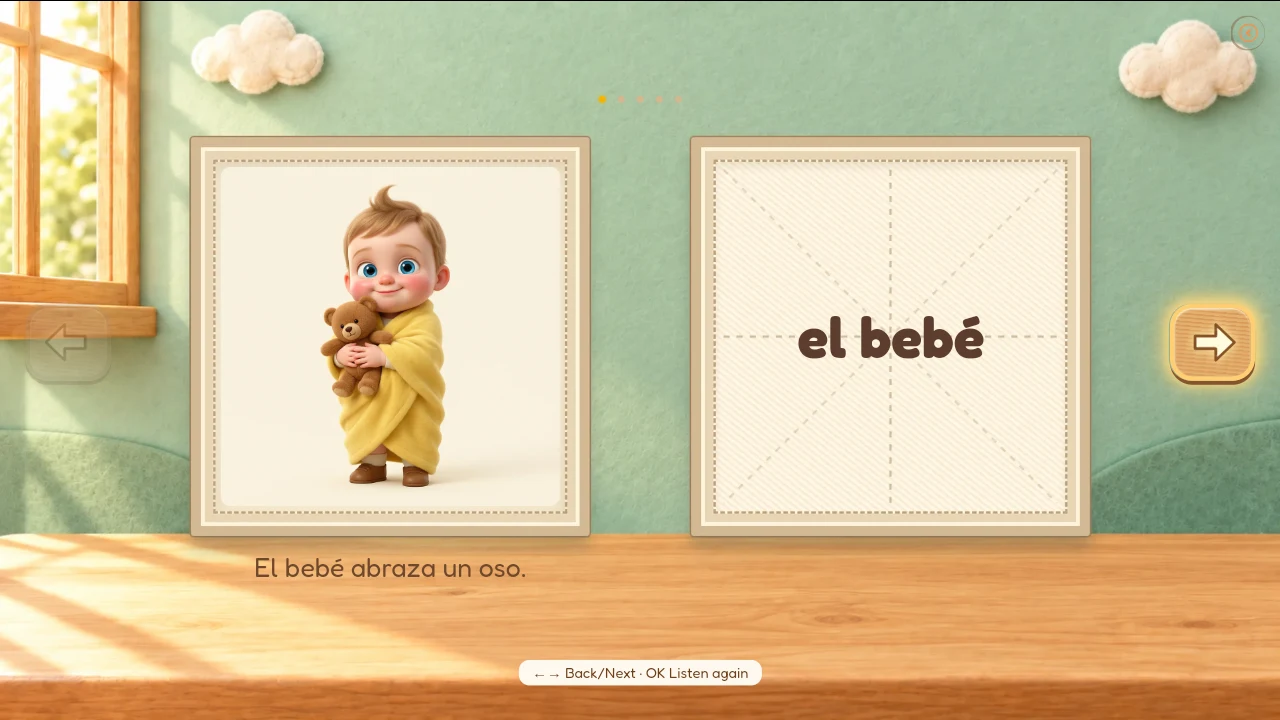
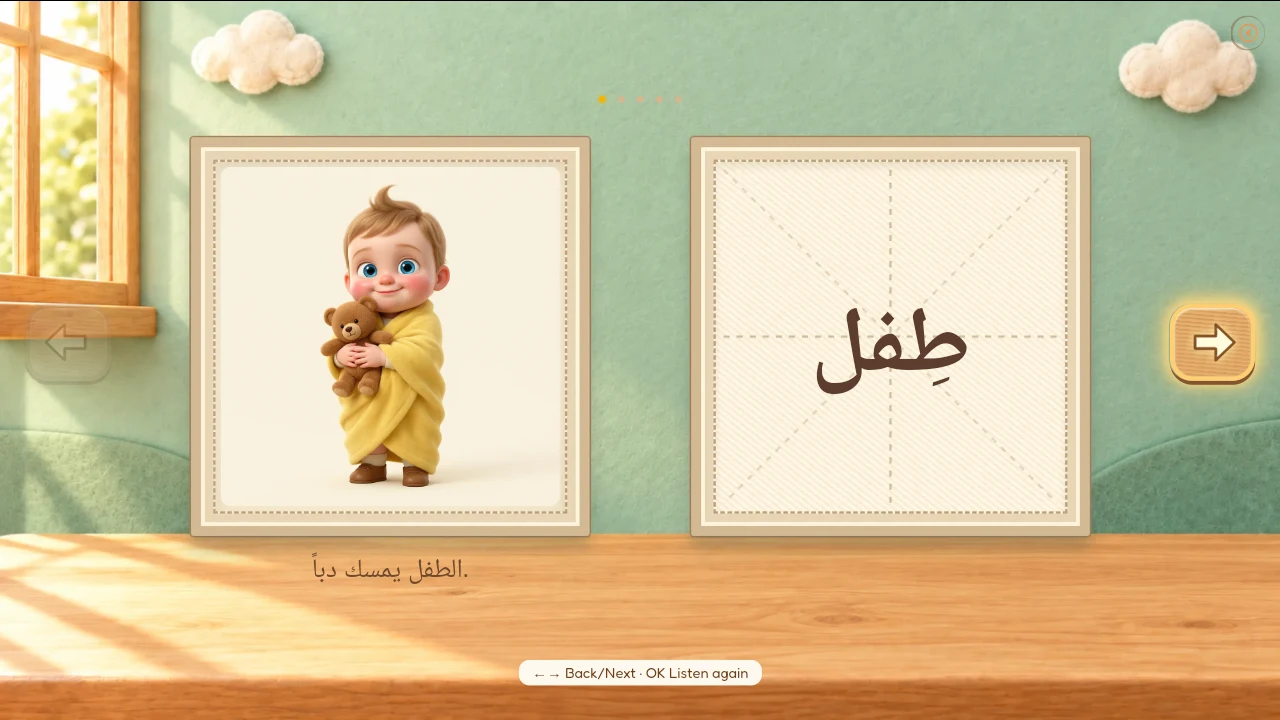
Real app screenshots, shown in full. This slideshow previews the learning interfaces; it does not change the website language.
Learn a word. Catch a star.
Make a story together.
Pictures and gentle questions make a language feel like a game. Learning stars join a collection, then become a shared invitation to imagine a story.
Learn → Check → Collect → Create
A little game.
A word to remember.
Look at the picture. Which word matches?
Demo collectionChoose a word to try the learning loop.
Make a story together →Original lesson artwork, shown in a website activity. This demo does not change app progress or show real reward costs.
Every new word becomes
part of a bigger adventure.
Learn words, answer a gentle question and collect learning stars. The bear grows with the journey: discover new looks, then bring your family’s ideas into a story.
Try collecting a learning star →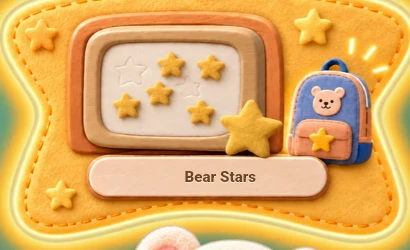
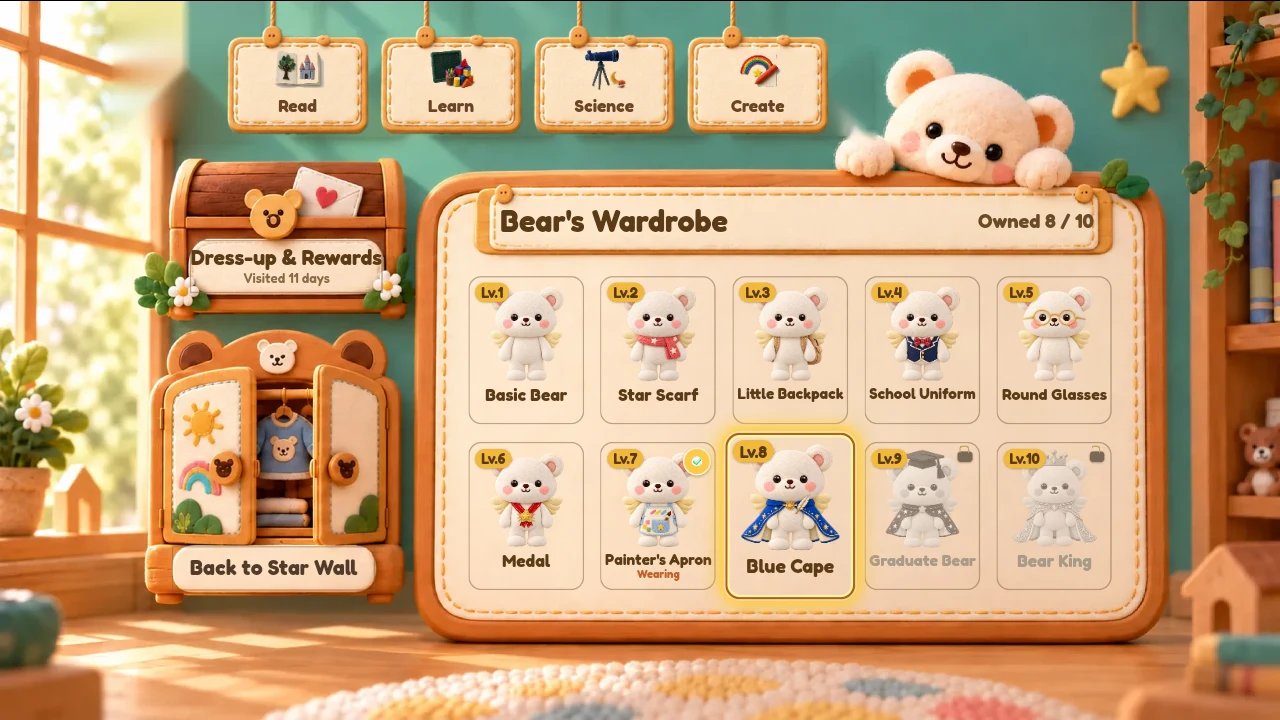
A bear that grows with them.
Learning and collecting stars make progress visible. New outfits mark the journey, while stars also open the way to children’s own AI-assisted books.
Explore a few original bear looks. This website does not unlock an app outfit.
Illustrations show existing app content. Reward availability depends on the app; no star cost or unlock schedule is represented here.
Make yourself at home.
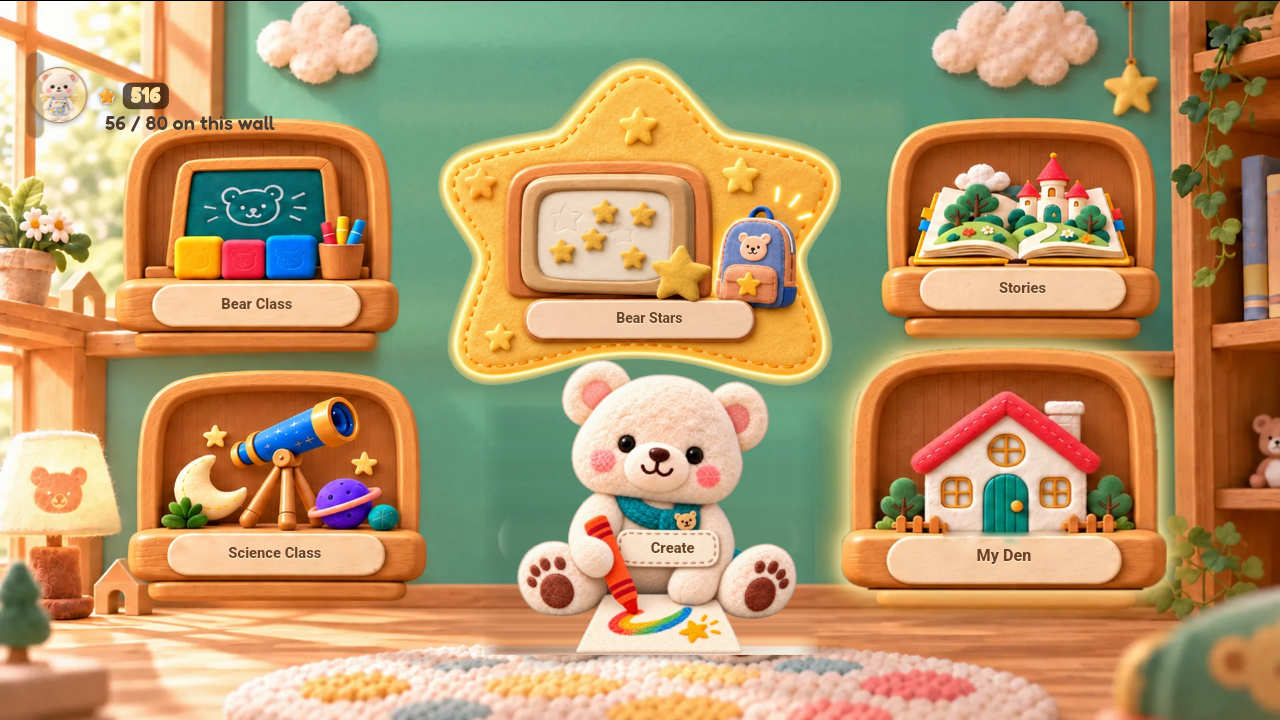
My Den is the home for your bear’s world. Explore original outfits and find parent controls for your family’s learning journey.
“What if…” becomes
their own storybook.
Your child brings the spark. You help shape the adventure. AI helps turn your family’s ideas into illustrations and a story, with a main character inspired by your child. Bear sketches a pencil storyboard first, so your child can check the pictures before they become a book. Read together with bilingual narration and word-by-word highlighting.
Stories and illustrations are AI-assisted.
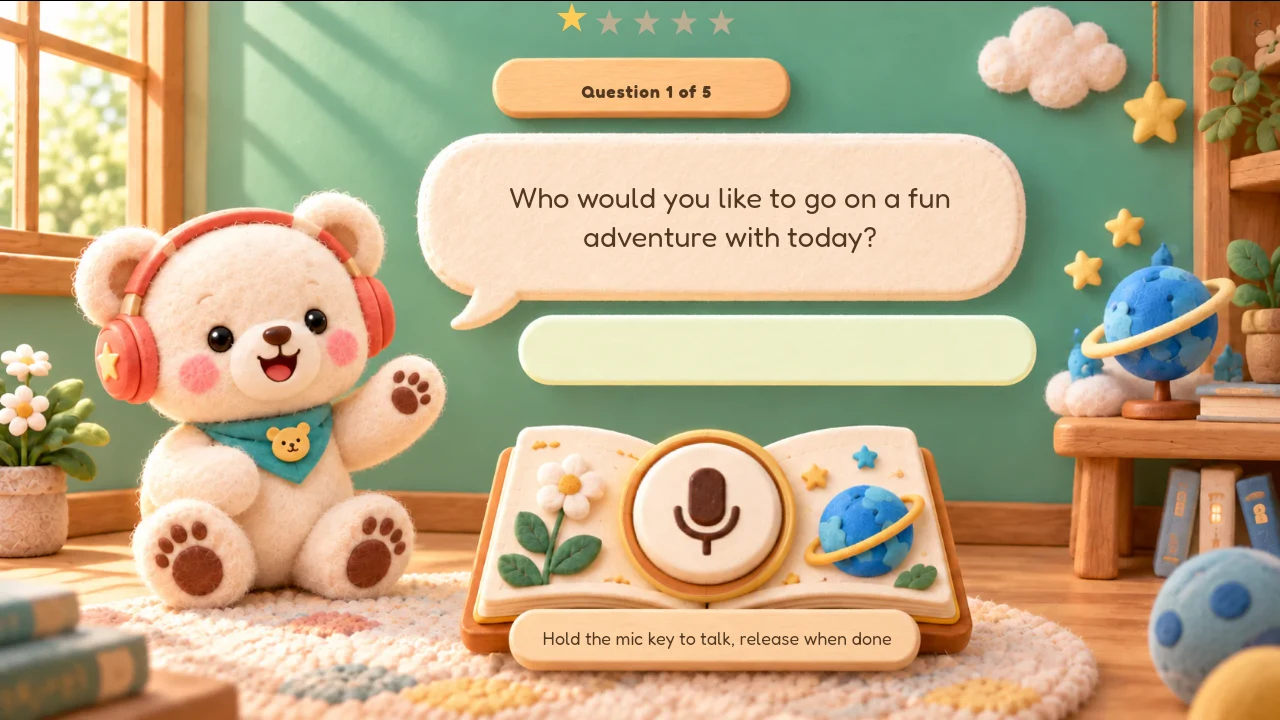
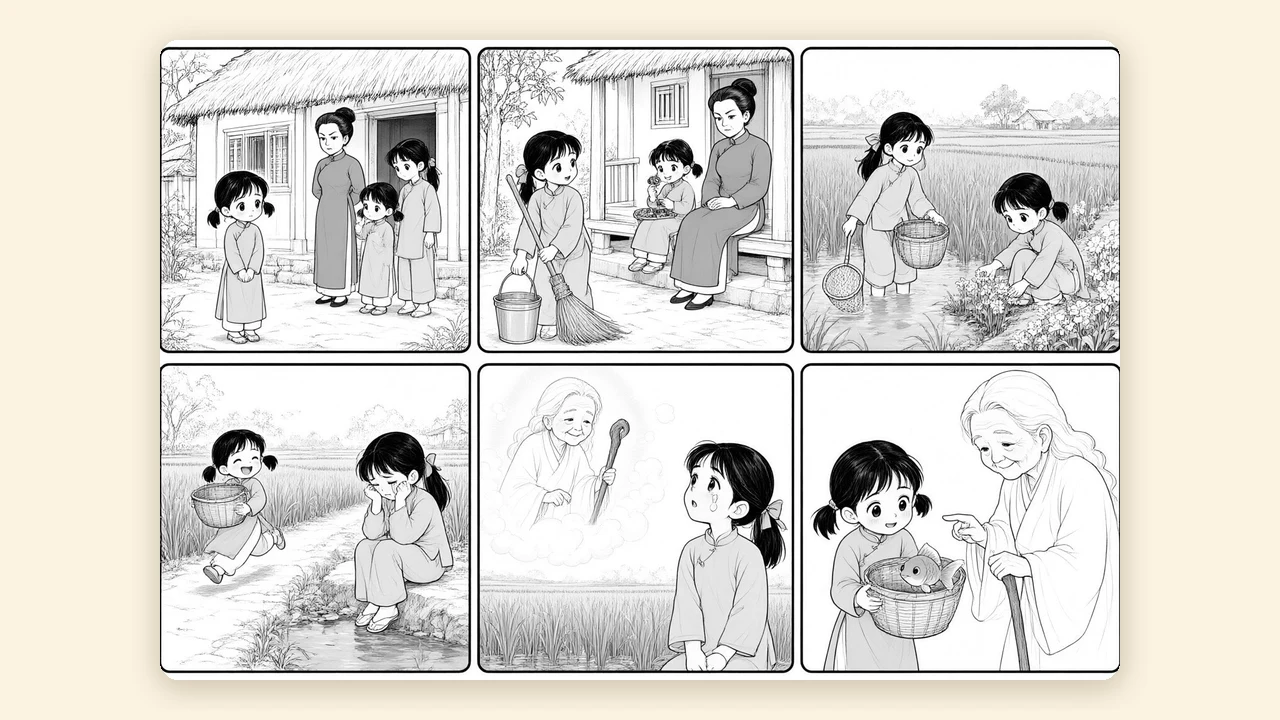
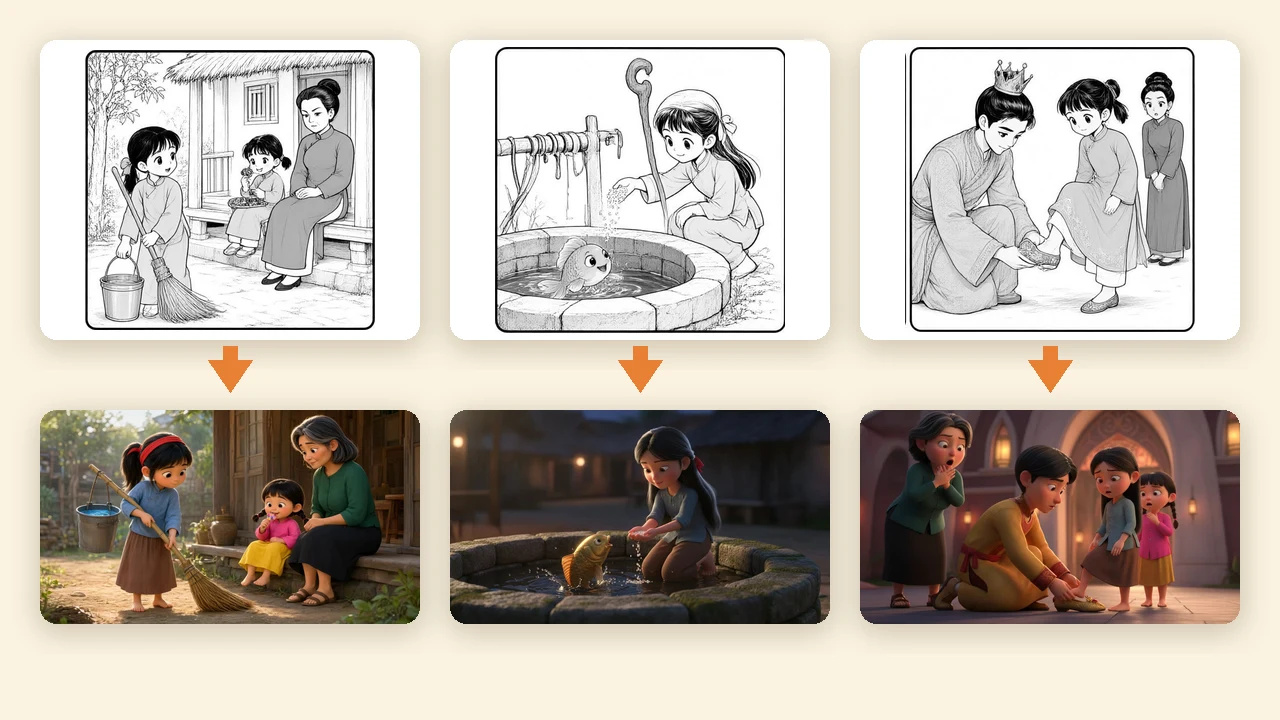
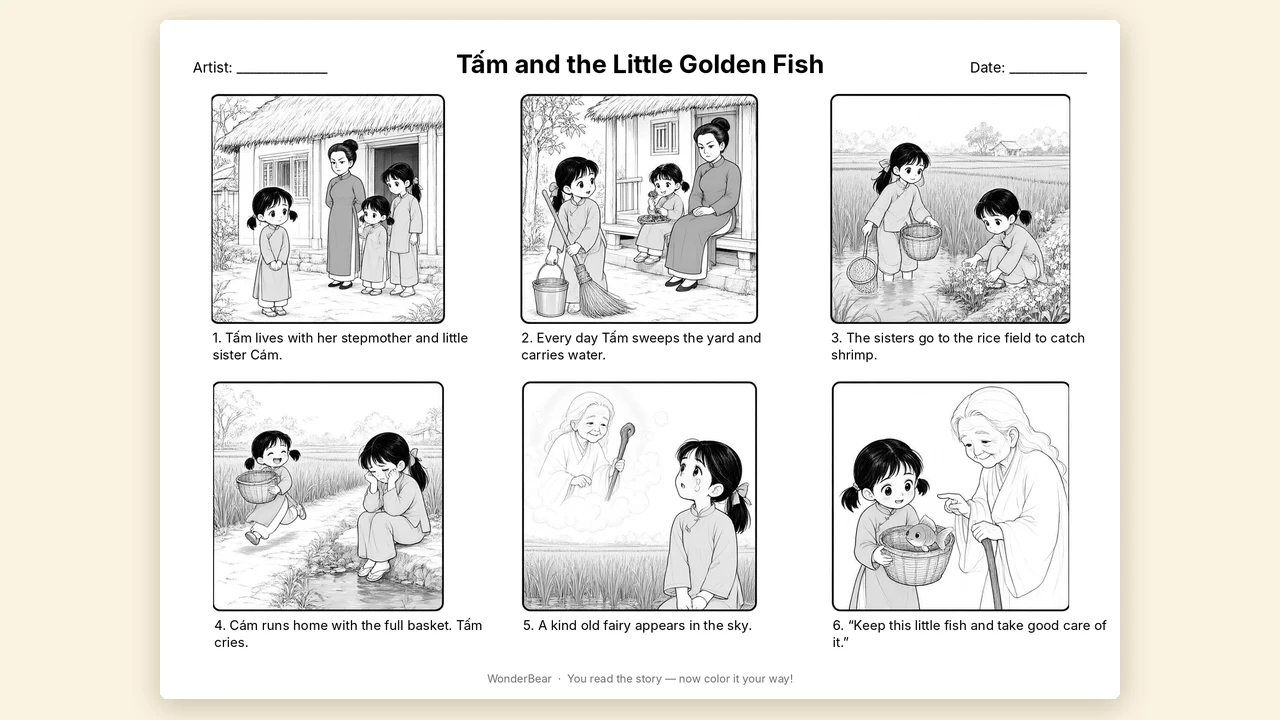
Sketch it first. Color it together.
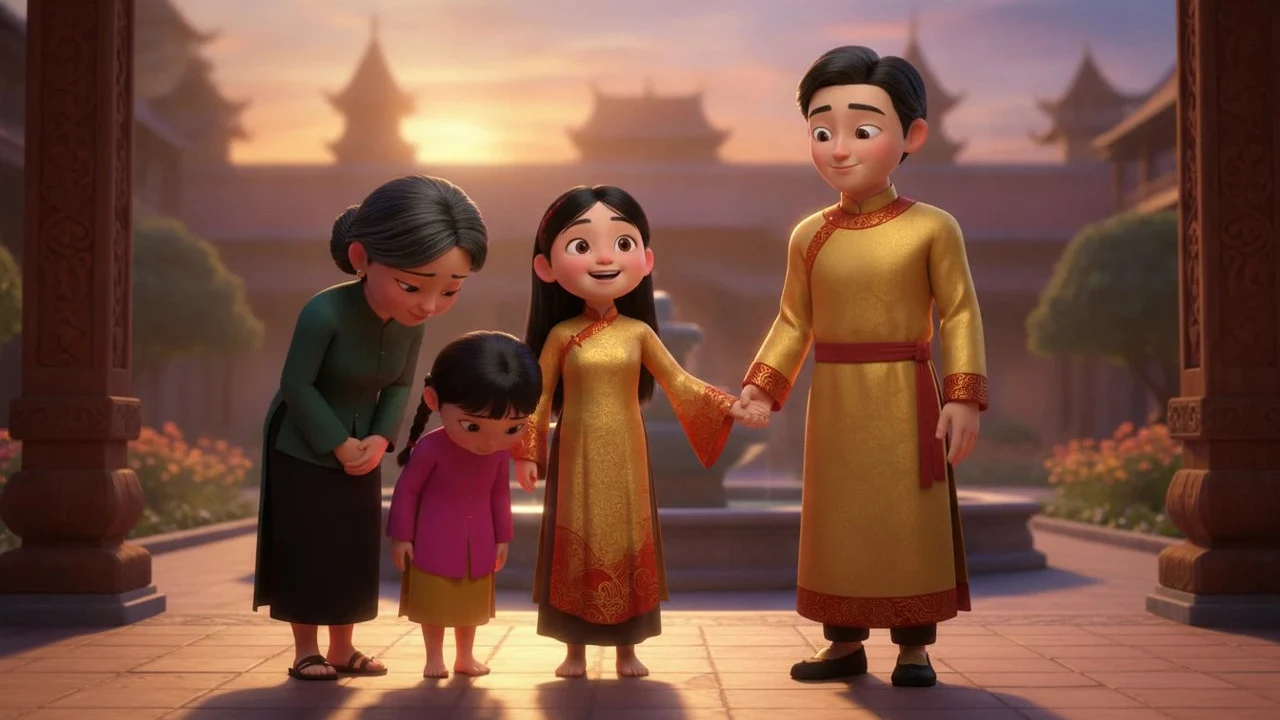
Every WonderBear story now begins as a pencil storyboard. Your child checks the pictures first, then decides: turn it into a full-color 3D picture book, or print the pages and color them by hand.
- Tell the story. Chat with Bear for a 6-page story, or write up to 500 words as a parent for a 12-page book.
- Bear sketches the storyboard. Six black-and-white panels per sheet, each one showing a page of the story. Ready in about a minute.
- Choose what happens next. Make it a color book with read-aloud narration in two languages, keep the A4 coloring pages with the story line under each picture, or redraw a sheet up to 3 times at no extra cost.
- Read it or color it. Read the finished book on the TV, or grab the crayons.
Download a sample coloring page (PDF) →
Stars that turn into stories
Children earn stars by learning. Stars become Creation Stars, and one Creation Star draws a storyboard. If the storyboard becomes a color book, the star comes back. Every new family’s first color book is free.
Questions
Do I need a printer?
Only for coloring pages. On the TV, scan the QR code to open the printable PDF on your phone. On iPad you can print directly.
Will the color book match the sketch?
The color book follows the same scenes, page by page, in WonderBear’s 3D picture-book style.
How many redraws?
Up to 3 per book, free.
What does it cost?
Storyboards use Creation Stars earned from learning. Color books use the family’s free book first, then book credits.
Example shown: a Vietnamese folk tale, Tấm Cám. Stories and illustrations are AI-assisted.
A story starts with a conversation.
Your child imagines. You add a little “what if”. AI helps shape a bilingual book to read together in the app.
What if a curious cat visited the moon—and found someone who needed a friend?
Read an existing story →These choices combine preset ideas. No story is generated here, and no personal information is collected by this demo.
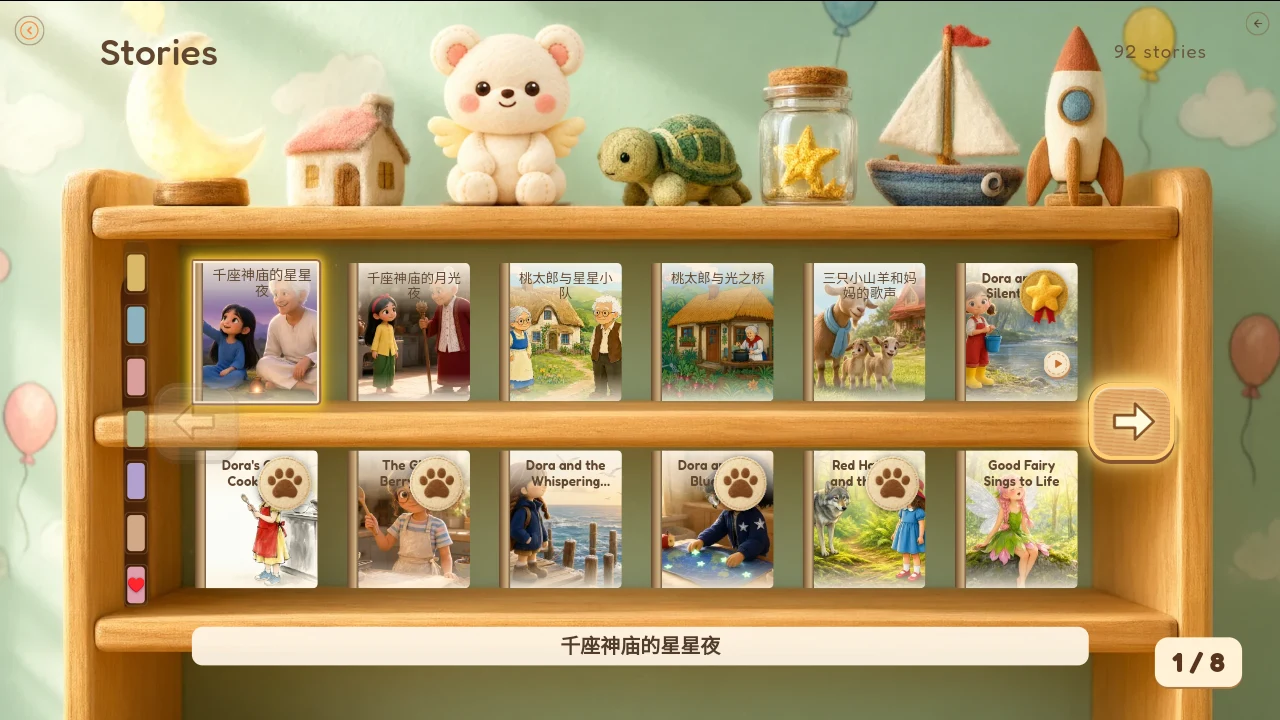
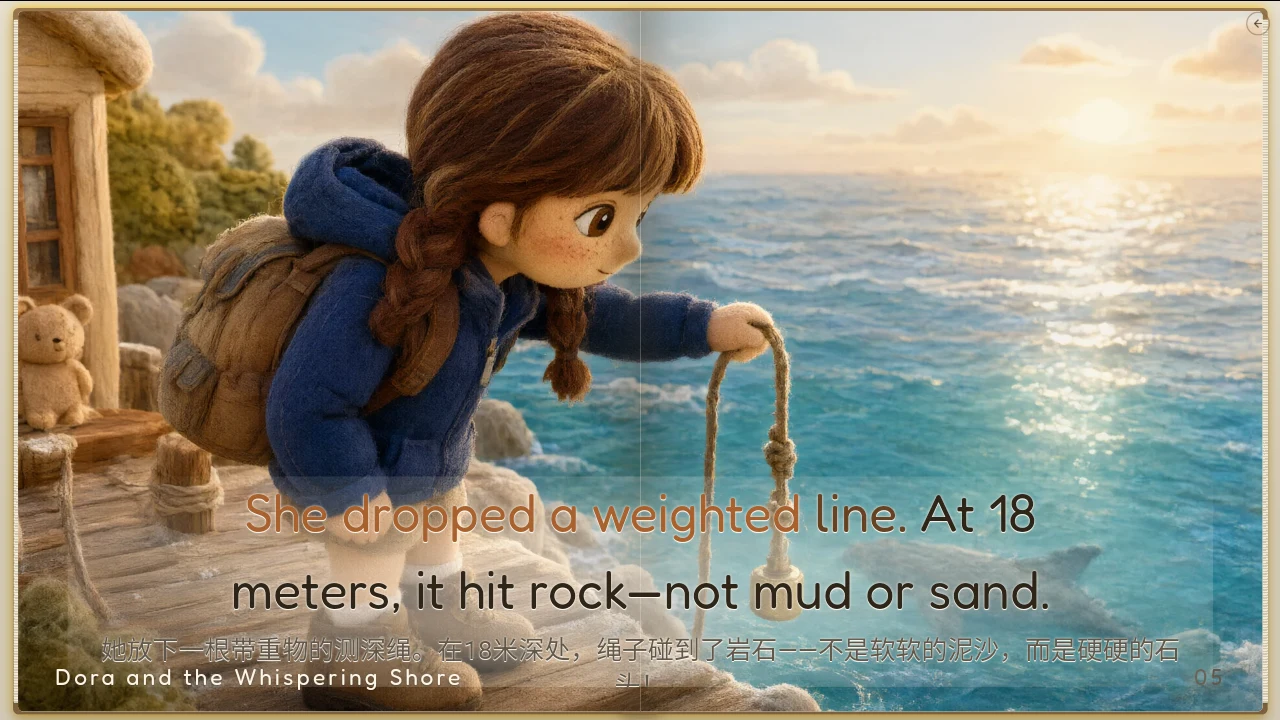
Dora and the Silent River
A real illustrated story, with its original English text.
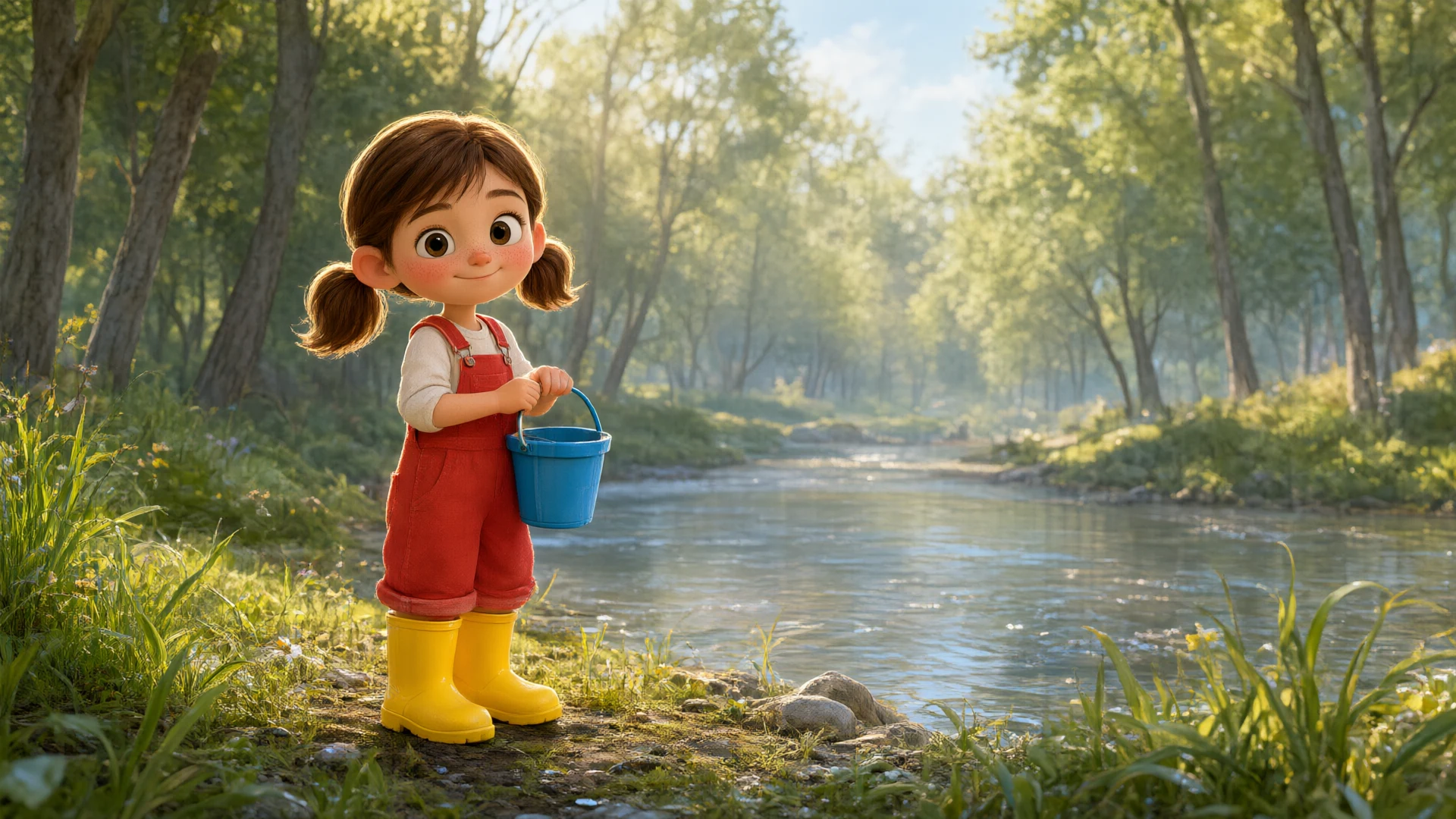
Dora and the Silent River
Listen to the story come alive.
Watch the real reading-player recording. Start playback when you’re ready, and use the player controls for sound or full screen.
Local review preview • English narration • 1 minute 31 seconds
About this recording
This recording shows Dora and the Silent River being read in the story player. The illustrated pages and stories are AI-assisted. It is a local review candidate; public-release review is still pending.
Every new family’s first color book is free; later books take a little more learning. Printed books are in development.
Keep their imagination
on your family’s bookshelf.
Choose a favourite creation and imagine it as a custom printed picture book. A story to share with grandparents, read together and keep as a memory of childhood.
Printed books are in development. Ordering, prices and availability have not been announced.
Room for curious little minds.
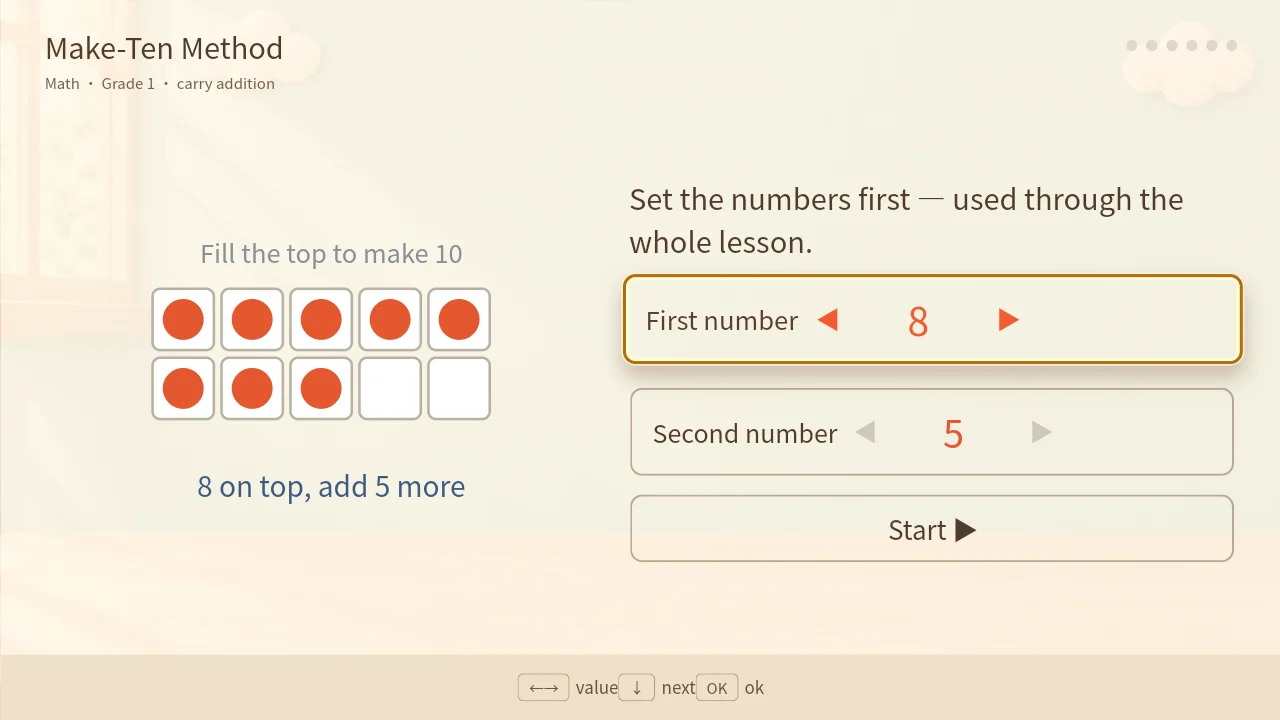
Alongside words and stories, WonderBear includes 25 interactive science lessons. Children explore ideas with simple, visual activities.
The current screenshot shows an early maths activity. Figures last checked 4 October 2026.
The numbers, on one page.
A snapshot of the learning library, so you can see what is included.
| Learning language | Lessons | Words |
|---|---|---|
| English | 122 | 598 |
| Chinese | 122 | 604 |
| Indonesian | 122 | 598 |
| Russian | 120 | 560 |
| Arabic | 121 | 558 |
| Hebrew | 119 | 526 |
Last checked 4 October 2026. The figures describe the curriculum; they are not a learning outcome guarantee.
Turn your TV into
an AI playground.
Bring WonderBear to the big screen through a compatible TV or HDMI connection. Learn languages, explore activities and invent stories as a family.
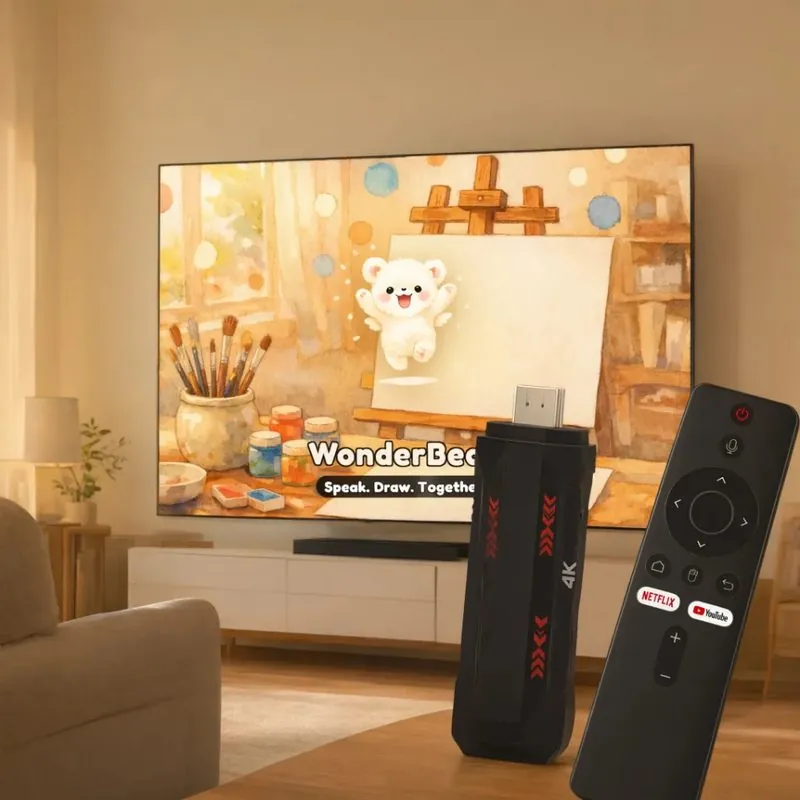
Screen: real TV app. Device and room arrangement: website illustration. HDMI stick details are coming soon.
Turn your wall into
an AI playground.
A bigger canvas for bedtime tales, curious questions and family creativity. Imagine WonderBear on a bedroom wall or ceiling.
Projector details coming soon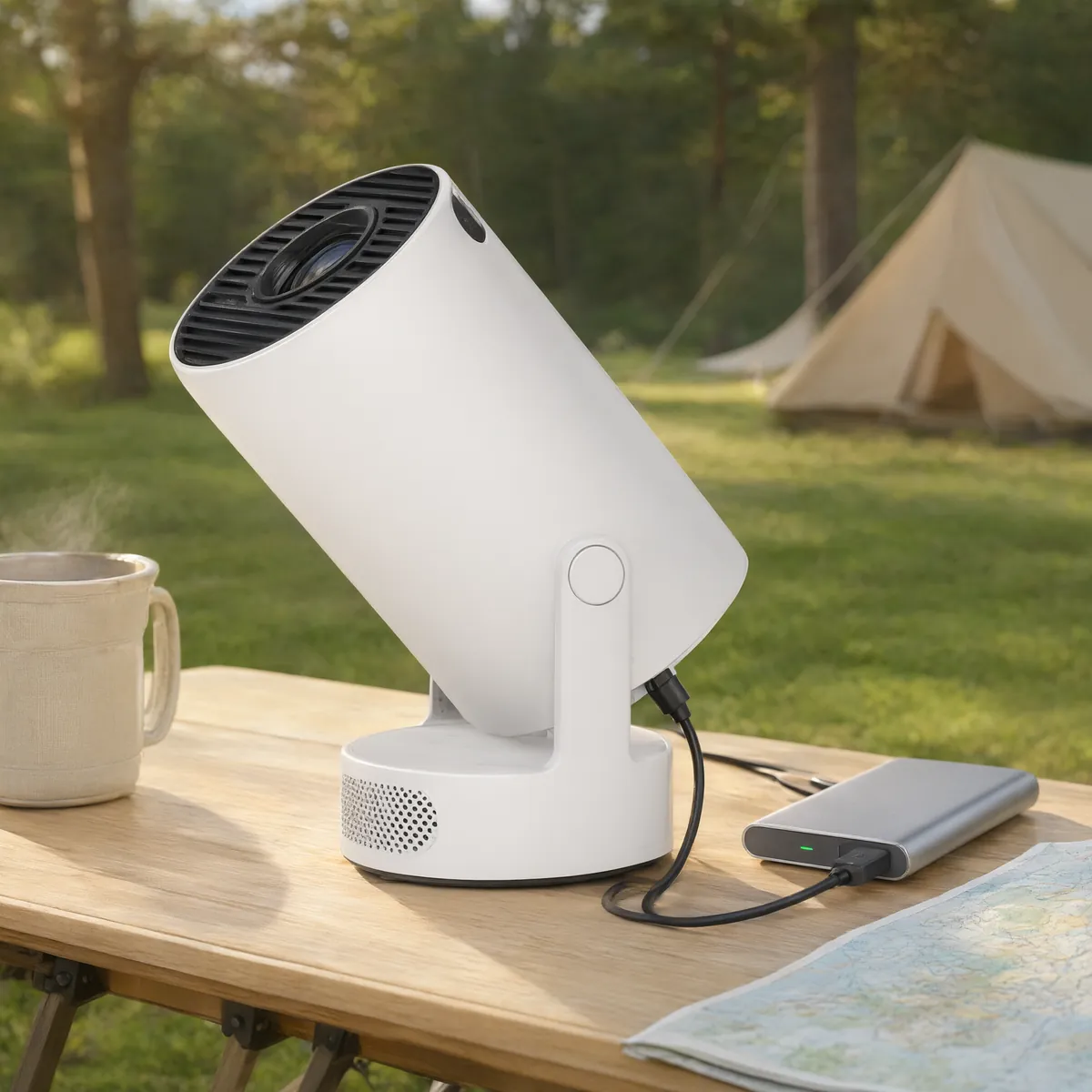
Projection composition is a concept, using a real app screenshot and a reference product image. Final product photography will follow.
Only on the projector · Ambient projection & Magic Room
One wall.
A whole world of wonder.
A projector-exclusive experience in development. Imagine drifting through starlight, watching a dreamlike pond or following rainbow bubbles—with moving scenes and atmospheric music to share as a family.
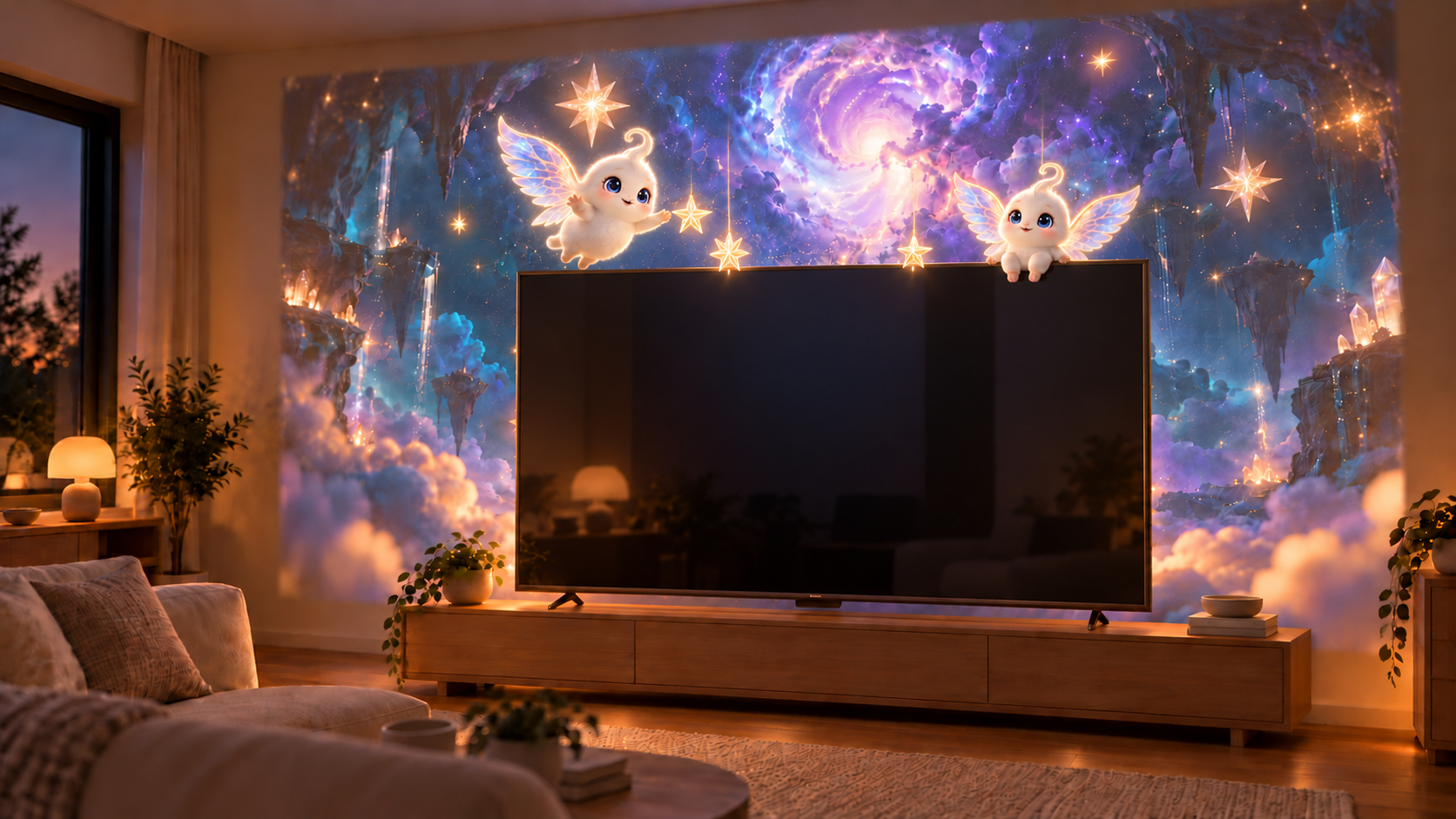
Choose a world to peek into.
Preview the original animated scene concepts. Press play for motion and music.
Starlight: a luminous sky of drifting clouds and distant stars.
AI-generated scene previews, not recordings of projection or gesture tracking. Music only; no spoken narration.
A little movement. A little magic.
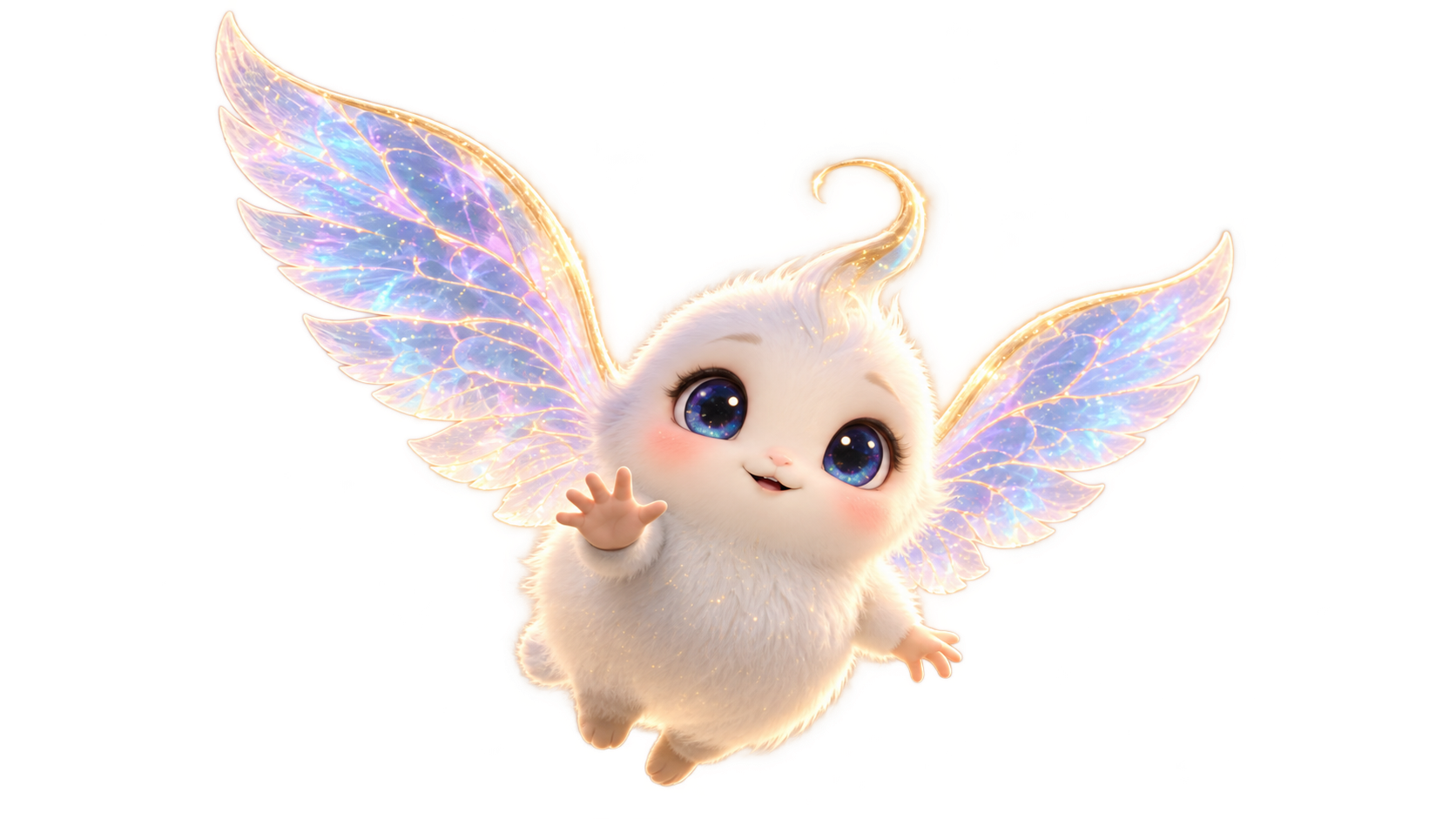
We’re exploring playful responses to a wave or a step: stars that flutter and scatter, and a fluffy, winged star spirit to meet. Planned interactions include a gentle puff to lift it, then watching it drift down again.
Magic Room is being developed exclusively for the projector. Room setup, gesture response and voice or breath controls are still being tested. Final features and availability may change.
When will the projector’s Magic Room be available?
It is in development, with no release date announced. The TV in this concept is room furniture: the projector creates the surrounding effects. This feature is not included with the TV app, HDMI stick or iPad app.
A shared adventure,
closer at hand.
On iPad, sit together to learn languages, explore interactive science lessons and shape a story from your child’s ideas.
The independent subscription app is in development and does not need a TV. The same parent account can optionally share creations and progress with TV.
Choose the way you play together.
Android TV and TV boxes are available. New device and iPad prices and release dates have not been announced.
HDMI TV stickDetails coming soon
A simple HDMI connection to your television. Product details, prices and dates have not been announced.
Mini projectorDetails coming soon
Bedtime stories on a bedroom wall or ceiling, with power from a Type-C power bank. Product photography, prices and dates are still to come.
iPadIn development
An independent subscription app that does not need a TV. Families can optionally share creations and progress with the TV through the same parent account.
You’re still in charge.
WonderBear gives children a warm place to learn, and parents clear controls.
- No ads. Just the room, the words and the stories.
- Voice becomes text. Your child’s voice is used for transcription; recordings are not stored.
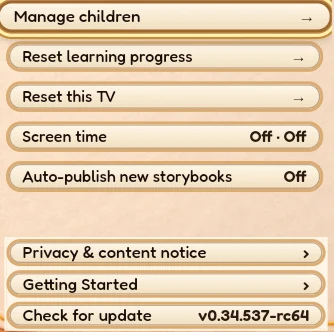
- A natural stopping point. Set screen time, and the bear says goodnight when it is time.
- Your family’s data. Parents can delete their child’s data themselves.
- Overseas account data is hosted on servers in Germany.
A few things parents ask.
What is WonderBear?
A playful learning and family storytelling app for ages 3 to 8. Explore words on TV, collect learning stars and co-create AI-assisted bilingual stories.
Does my child need to read?
No. Pictures and spoken words help children get started before they can read.
What does it cost?
Prices for new devices, iPad subscriptions and printed books have not been announced. Contact us about the available TV app.
How do I use the HDMI TV stick?
It connects to your television through HDMI. Product details and instructions will be announced.
When is the iPad version coming?
The independent iPad subscription app is in development. A release date has not been announced.
Will it improve my child’s grades?
We explain how the lessons are designed to support learning. We do not promise grades or scores.